Check your email anywhere with webmail
If you’re away from your usual device — or just want to check email quickly without setting up an app — you can log in to webmail from any browser.
How to log in
-
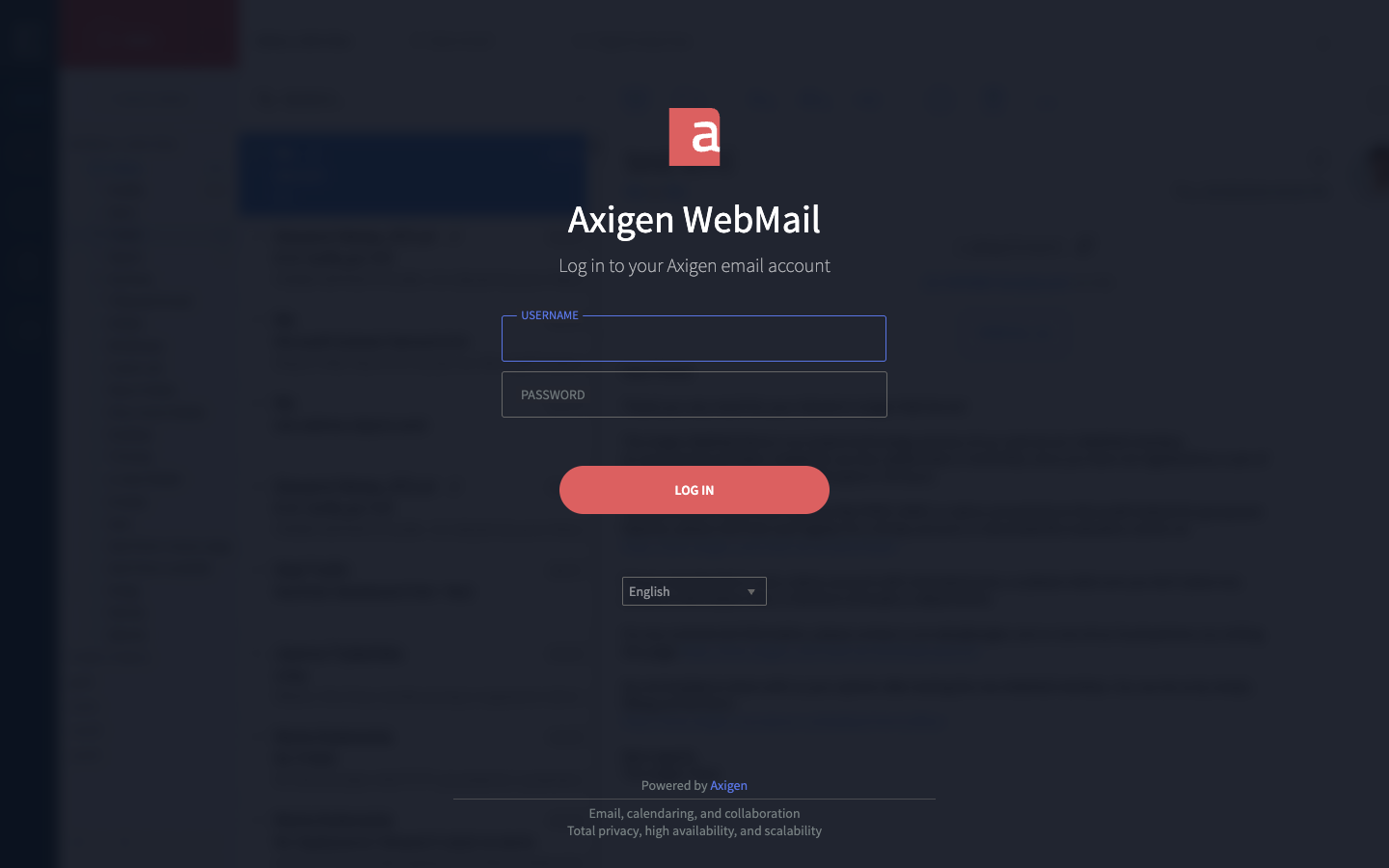
Open a web browser and go to ax.email.
-
Enter your full email address as the username and your email password.
-
Click Log in.
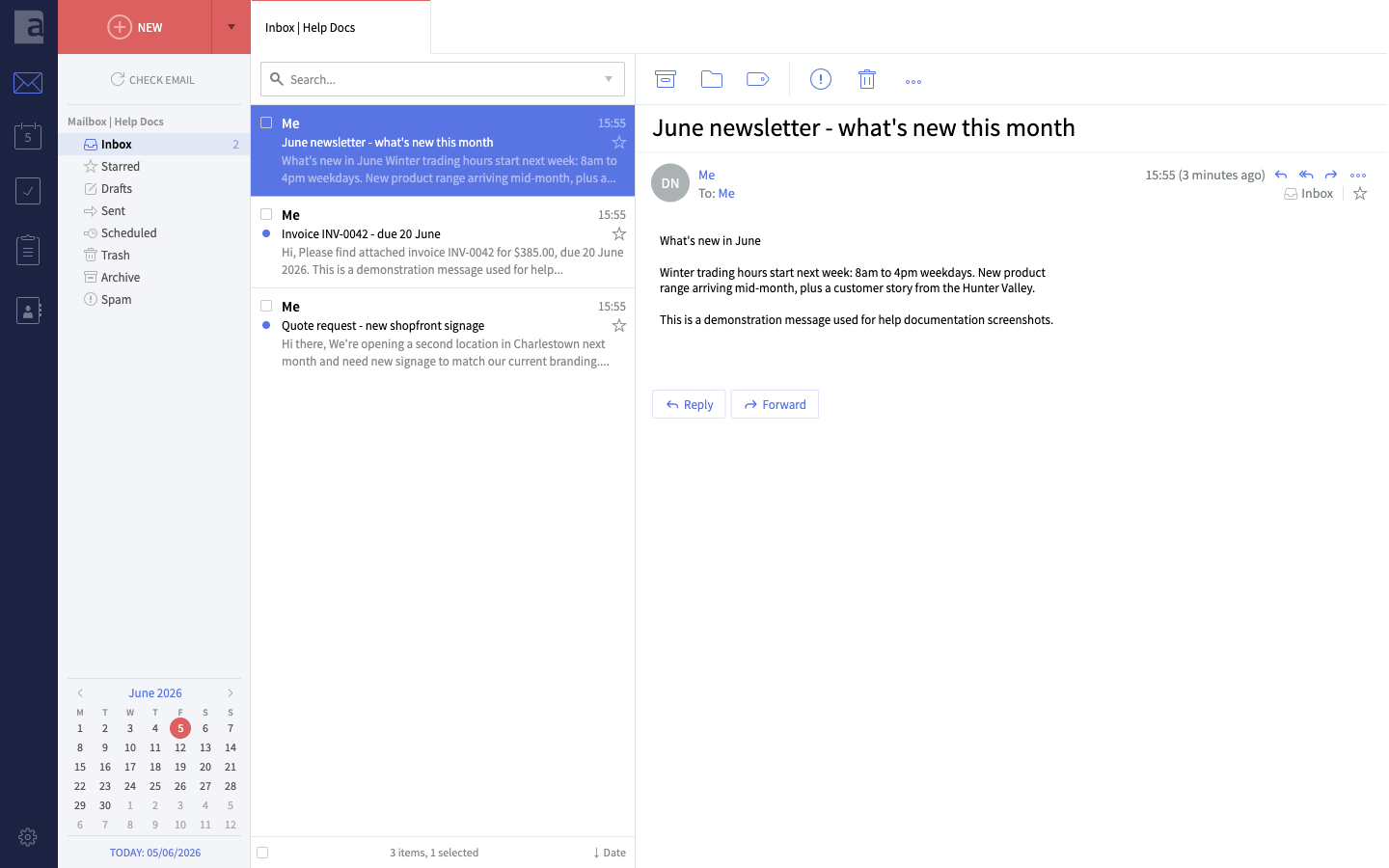
Your inbox will load and you can read, send, and manage your email just as you would in an app. The icons down the left edge also give you a calendar, tasks, notes and contacts — all part of your mailbox.
Your login details
| Field | Value |
|---|---|
| Webmail address | ax.email |
| Username | your full email address |
| Password | your email password |
If you’ve forgotten your password, contact us and we’ll reset it for you.
Useful things you can do in webmail
We have step-by-step guides for the most common tasks:
Logging out
Always click the cog icon at the bottom left and choose Log out when you’re done, especially on a shared or public computer.
Watch: common webmail tasks
Watch: change your password
Didn't work, or not sure?
No worries — that's what we're here for. Tell us what step you got up to and what you saw, and we'll sort it with you.