Think your website's been hacked?
The screenshots below are from an earlier software version — buttons may look a little different on your device, but the steps and settings are current.
Most hacked websites don’t look hacked. The front end looks completely normal while malicious code runs quietly in the background. Here’s how to spot it and what to do.
Signs your site may be compromised
- Google Search Console sends a warning — Google actively scans for malware and will email you if it finds something suspicious.
- Your browser shows a security warning when you visit your own site.
- Google search results show strange descriptions for your pages — text in a foreign language, or completely unrelated content you didn’t write.
- You notice unexpected links or pages when you look at your site’s source code or Google Search Console.
- Visitors report being redirected to unrelated websites.
- Your hosting provider suspends your account due to malicious activity.
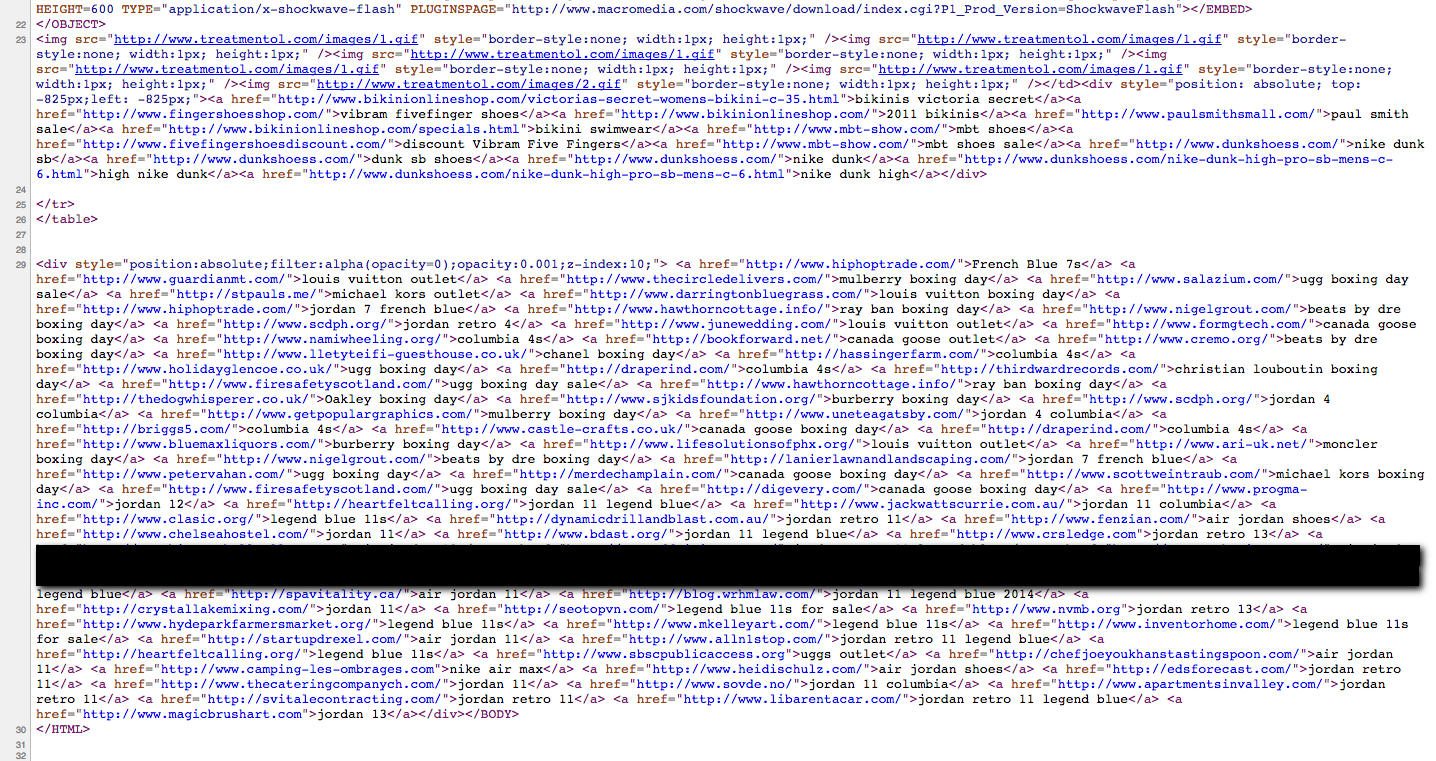
One common type of attack involves hidden links injected into your website’s pages. They’re invisible to visitors because they’re hidden with CSS, but search engines can read them. The attacker’s goal is to use your site’s reputation to boost rankings for unrelated websites.
Here’s what injected link spam looks like in page source code — a block of links hidden so visitors never see them:
The front end of the same site looks completely normal:
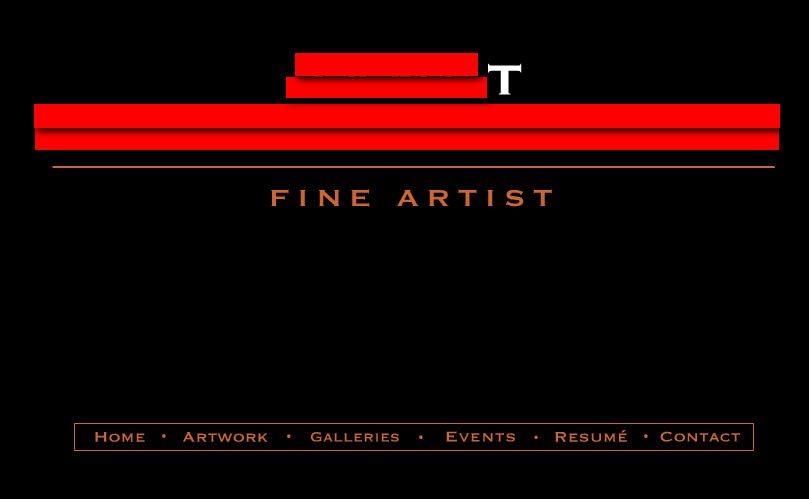
The site owner in this case had no idea until we spotted it.
First steps if you suspect a hack
- Don’t panic, and don’t log in repeatedly — some attacks use brute force on login pages and multiple failed attempts can lock you out.
- Check Google Search Console if you have access — go to the Security Issues section for any warnings Google has already flagged.
- Look at your site in Google search results — search for your domain and check whether the descriptions match your actual content.
- Contact us. This is the most important step. We can run a proper audit, clean the infection, identify how entry was gained, and harden your site against repeat attacks.
How sites get compromised
The most common causes are:
- Outdated WordPress, plugins, or themes — out-of-date software is the single biggest attack vector for small business websites. This is why we recommend keeping everything updated.
- Weak admin passwords — simple or reused passwords make it easy for automated tools to guess their way in.
- Nulled or pirated plugins — free downloads of paid plugins frequently contain malware.
What we do when we clean a site
- Scan all files for known malicious code signatures.
- Remove injected content and restore clean files.
- Update all software (WordPress core, plugins, themes).
- Change passwords and review admin user accounts.
- Check for and remove any backdoors left by the attacker.
- Review and improve security settings.
If your site has been hacked or you’ve noticed anything unusual, contact us straight away: help@jezweb.net or 1300 024 766. The sooner we look at it, the less damage there is to undo.
Didn't work, or not sure?
No worries — that's what we're here for. Tell us what step you got up to and what you saw, and we'll sort it with you.